 SEOKOK Apps, Live Links & Product Reviews
Aadhaar is one of the most important identity documents in India. It is required for banking, government services, mobile connections, and many other purposes. If you’ve misplaced your physical Aadhaar card, there’s no need to panic. You can download a digital copy of your Aadhaar card online anytime, anywhere, using official government portals.
🌐 Access the Official UIDAI Portal
The UIDAI (Unique Identification Authority of India) website allows citizens to download their Aadhaar card securely. You don’t need to visit any center or carry documents physically.
Steps include:
- Visit the official website.
- Go to the Download Aadhaar section
- Enter your Aadhaar number, Virtual ID, or Enrollment ID
- Verify your identity via OTP sent to your registered mobile number
- Download your e-Aadhaar PDF
Your Aadhaar PDF is password-protected for security. The password is usually the first four letters of your name in CAPITAL letters + birth year.
📱 Download Aadhaar Using Mobile Number
If you have a mobile number linked with your Aadhaar, the process becomes even easier. OTP verification ensures that only the registered mobile number holder can download the card. This step guarantees security and privacy, making digital Aadhaar safe for official use.
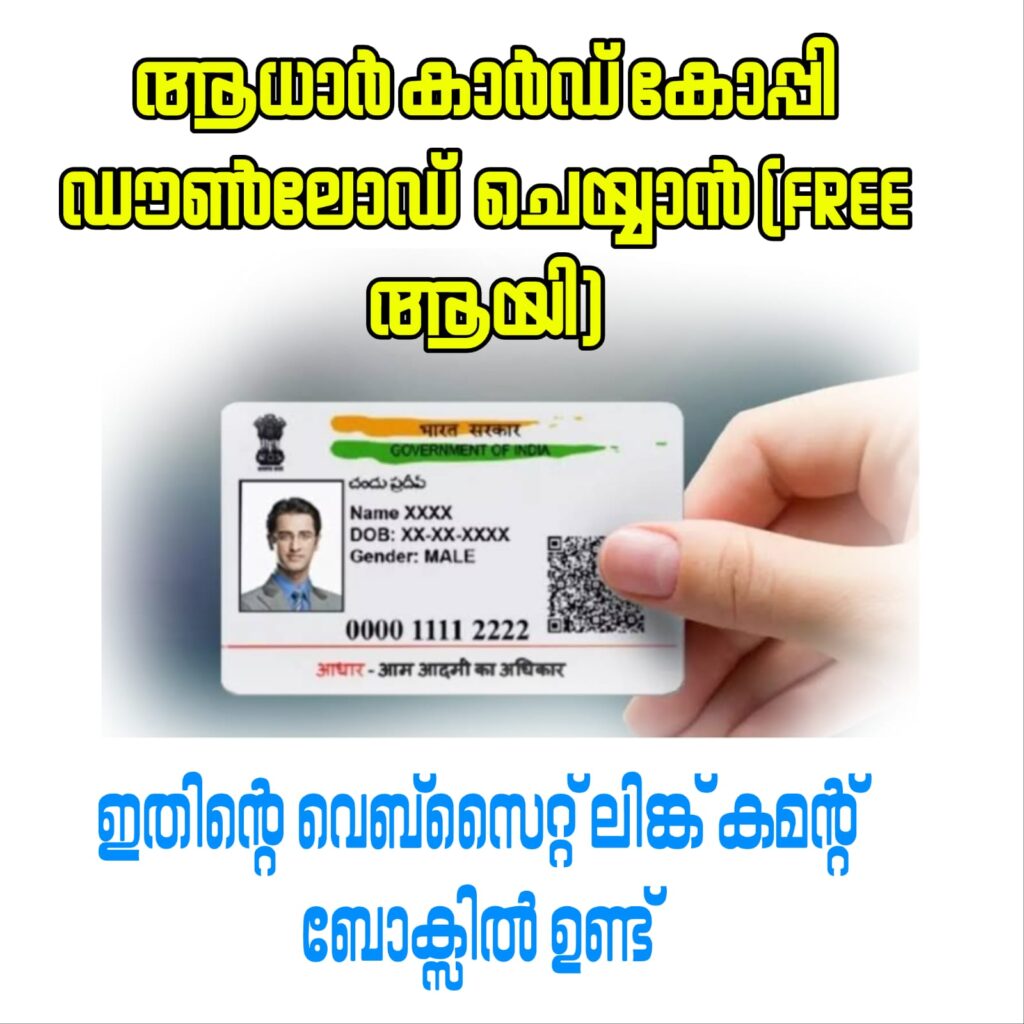
🖨️ Print or Save Your Aadhaar Copy
Once downloaded, your e-Aadhaar PDF can be saved on your smartphone or computer. You can also take a printout for official use. The e-Aadhaar is legally valid and can be used wherever Aadhaar is required.
🧾 What Documents or Details Are Needed
To download your Aadhaar card, make sure you have:
📄 Your Aadhaar number or Enrollment ID
📄 Registered mobile number for OTP verification
📄 Basic details like your name and date of birth
No additional documents are required when downloading online, making the process fast and hassle-free.
⏱️ Benefits of Downloading Aadhaar Online
Downloading Aadhaar digitally has many advantages:
✔️ Immediate access anytime
✔️ No need to visit an Aadhaar center
✔️ Secure and password-protected
✔️ Accepted as a legal identity document
✔️ Environment-friendly and convenient
With just a few clicks, you can get a digital copy of your Aadhaar card without waiting weeks for the physical copy.
🛡️ Security Measures to Keep in Mind
Always download your Aadhaar from the official UIDAI website. Avoid third-party apps or links claiming to provide Aadhaar downloads, as they may steal personal information. Use the password to open your e-Aadhaar and keep your device secure.
✅ Final Thoughts
Downloading your Aadhaar card online is fast, secure, and convenient. Whether you need it for banking, travel, or government services, the e-Aadhaar PDF is legally valid and widely accepted. Keep your registered mobile number updated to ensure smooth access anytime you need your Aadhaar copy.