 SEOKOK Apps, Live Links & Product Reviews
Introduction to DigiLocker and SSLC Certificate
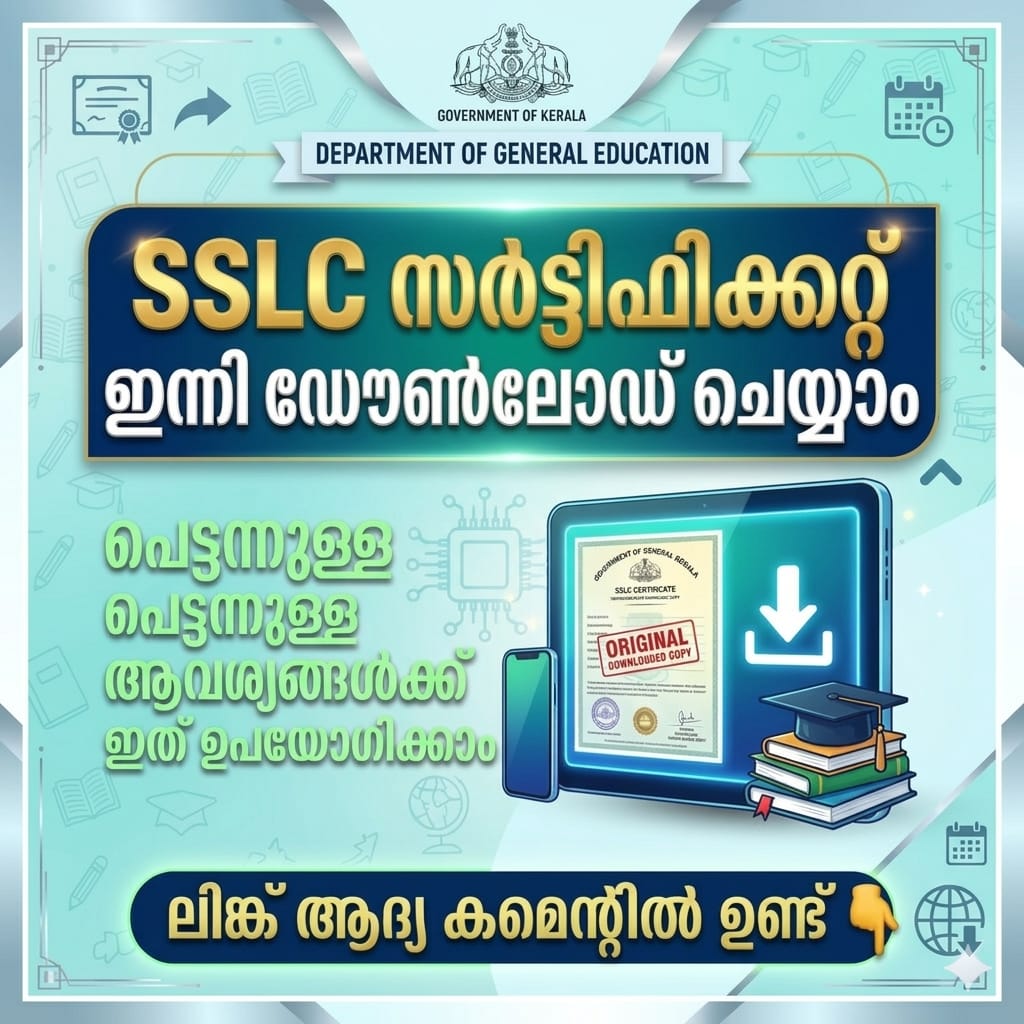
DigiLocker is a secure digital platform launched by the Government of India to store and access important documents online. One of the most commonly downloaded documents is the SSLC (10th Class) Certificate, which is essential for higher education, jobs, passport applications, and government services. Instead of searching for physical copies, DigiLocker allows you to access your SSLC certificate anytime, anywhere, in a legally valid digital format.
🔐 Why Use DigiLocker for SSLC Certificate Download
Using DigiLocker saves time, effort, and stress. Your SSLC certificate stored in DigiLocker is government-verified, tamper-proof, and accepted by most institutions across India. It also reduces the risk of losing original documents and supports paperless governance. With just a smartphone or computer and internet access, you can download your certificate in minutes.
📱 Requirements Before Downloading SSLC Certificate
Before you start, make sure you have the following ready:
- 📲 A registered DigiLocker account
- 🆔 Aadhaar number linked with your DigiLocker
- 🏫 Correct SSLC examination details (Board, year, roll number)
Having accurate information ensures quick and error-free certificate retrieval.
🧭 Step-by-Step Process to Download SSLC Certificate from DigiLocker
Follow these simple steps to download your SSLC certificate:
1️⃣ Visit the DigiLocker website or mobile app
2️⃣ Log in using your mobile number or Aadhaar-linked credentials
3️⃣ Go to the “Issued Documents” or “Search Documents” section
4️⃣ Select your Education Board (CBSE, State Board, etc.)
5️⃣ Enter required details like roll number and passing year
6️⃣ Click Get Document and your SSLC certificate will appear
7️⃣ Download or save it as a PDF file for future use
📂 How to Use the Downloaded SSLC Certificate
Once downloaded, the SSLC certificate can be used for:
- 🎓 College and university admissions
- 💼 Job applications and background verification
- 🛂 Passport and visa processing
- 🏛 Government schemes and services
DigiLocker documents carry a digital signature, making them legally valid under Indian IT laws.
⚠️ Common Issues and Simple Solutions
Sometimes users face issues like document not found or mismatch errors. This usually happens due to incorrect details or unlinked Aadhaar. Double-check your roll number and board details, and ensure your DigiLocker account is fully verified. If problems persist, DigiLocker support can help resolve them quickly.
🌟 Final Thoughts on Downloading SSLC Certificate from DigiLocker
Downloading your SSLC certificate from DigiLocker is one of the easiest and safest ways to manage important academic records digitally. It supports eco-friendly practices, ensures document security, and gives you instant access whenever needed. If you haven’t already, creating a DigiLocker account is a smart move for students and professionals alike.